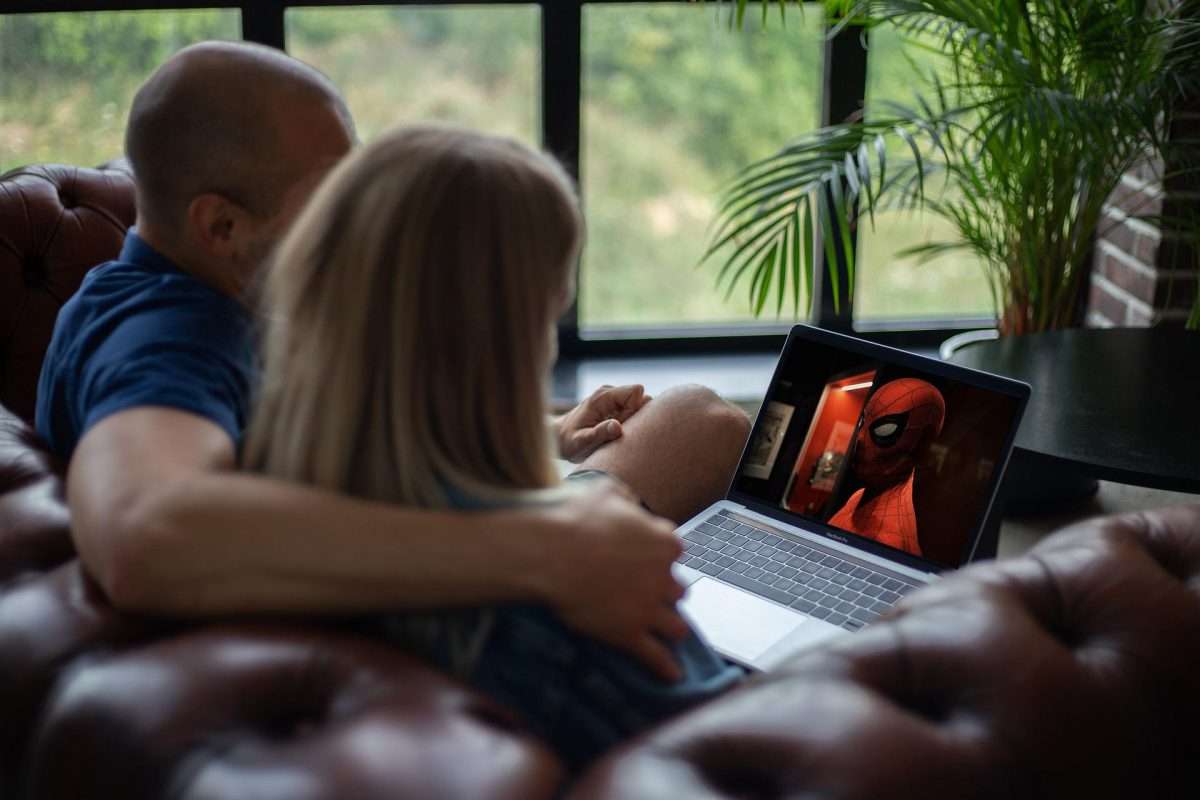
In this article, we want to move beyond “just watching” a movie and instead help you create a true home cinema environment. You do not need a dedicated theater room or unlimited budget. By optimizing your hardware, your listening space, your viewing environment, and your use of disc-specific features, you can unlock the full potential of your Blu-ray collection. Below are five practical ways to make that happen.
Optimize Your Hardware Chain
Your movie experience is only as good as the weakest link in your equipment chain. Many people assume that if a Blu-ray disc is inserted and a picture appears on screen, the job is done. In reality, small hardware choices have an outsized impact on final quality.
Start with your player. A dedicated Blu-ray player from a reputable brand like Panasonic, Sony, or Oppo will almost always outperform a budget player or a basic console. That said, high-end consoles like the PlayStation 5 and Xbox Series X are surprisingly capable. They support 4K UHD discs, HDR10, and even Dolby Vision on certain models. The key is to avoid the cheapest $50 players on the market, as they often struggle with triple-layer 100GB discs and may not support movies new releases with advanced HDR formats properly.
Next, pay attention to your HDMI cables. This is an area where many people either overspend or use outdated cables. For standard 1080p Blu-ray, a High-Speed HDMI cable with Ethernet is sufficient. For 4K UHD Blu-ray with HDR10 or Dolby Vision, you need a Premium High-Speed cable or an Ultra High-Speed HDMI 2.1 cable. You do not need to spend a fortune, but you must ensure your cables are certified for the bandwidth you require. A poor cable can cause random black screens, flickering, or a failure to engage HDR at all.
Finally, adjust your display settings. Most modern televisions come from the factory with motion smoothing enabled. This feature artificially generates extra frames to make motion look smoother, but it destroys the intended 24 frames per second look of cinema. The result is often called the “soap opera effect,” and it makes expensive movies look like cheap daytime television. Disable motion smoothing entirely. Instead, look for a dedicated Filmmaker Mode or a Cinema preset on your TV. These settings are designed to preserve color accuracy, maintain proper brightness, and respect the director’s creative intent.
Elevate the Audio Landscape
Picture quality tends to get the most attention, but audio is actually the bigger differentiator between physical media and streaming. Most streaming services compress audio heavily to save bandwidth, often delivering Dolby Digital Plus at a relatively low bitrate. Blu-ray and 4K UHD discs, by contrast, feature lossless audio codecs such as Dolby TrueHD and DTS-HD Master Audio. These formats preserve every bit of the original studio master. Explosions have more weight. Dialogue is clearer. Surround effects are more precise.
To hear this difference, you must move beyond your television’s built-in speakers. TV speakers are thin, underpowered, and typically face downward or backward. They cannot reproduce low frequencies or create a convincing soundstage.
A dedicated soundbar is the simplest upgrade, and many modern soundbars support Dolby Atmos decoding. However, for the best experience, consider a 5.1 or 7.1 surround sound system with separate left, center, right, and surround speakers plus a subwoofer.
Speaker placement matters more than most people realize. Your center channel should sit directly above or below your television and handle most dialogue. The left and right front speakers should form an equilateral triangle with your seating position. Your subwoofer, which handles low bass, can be placed in a corner to reinforce bass response, but you may need to experiment with placement to avoid boomy or muddy sound. The goal is to find a “sweet spot” where you feel immersed in the movie’s audio environment rather than simply hearing sound from different directions.
If you already own a receiver or soundbar, take the time to run its auto-calibration feature. Most modern systems include a small microphone that measures your room’s acoustics and adjusts speaker levels and delays automatically. This single step often delivers a bigger improvement than buying more expensive equipment.
Perfect the Viewing Environment
You can own a reference-quality 4K Blu-ray player, a top-tier television, and a full surround sound system, but all of that investment will be wasted if your viewing environment is fighting against you. Light control is the single most neglected aspect of home cinema.
Light pollution, whether from a window, a lamp, or even a small LED standby light on another device, kills contrast ratio. Contrast ratio refers to the difference between the darkest black and the brightest white your television can display. When ambient light hits your screen, blacks appear gray, shadow detail becomes murky, and the overall image looks washed out.
The solution is blackout curtains or cellular shades that block external light completely. For daytime viewing, consider a room with no windows or invest in high-quality light-blocking window treatments.
An often overlooked tool is bias lighting. Bias lighting involves placing a soft white or warm yellow LED strip on the back of your television, facing the wall. This creates a gentle glow behind the screen without shining light directly onto the display. Properly implemented bias lighting serves two purposes. First, it reduces eye strain by balancing the bright screen against a darker room. Second, it improves perceived black levels by providing a reference point for your eyes. A good rule of thumb is to set your bias lighting to approximately ten percent of your television’s maximum brightness. Avoid colored or rapidly changing RGB lights, as they distort color perception.
Seating distance is another critical factor. If you sit too far from your screen, you lose the benefit of the higher resolution that Blu-ray provides. If you sit too close, you may see individual pixels or the grid structure of your display. For a 1080p Blu-ray on a 65‑inch screen, the ideal viewing distance is roughly eight to nine feet. For a 4K UHD disc on the same size screen, you can sit closer, around five to six feet, because the higher pixel density allows you to see fine detail without noticing pixel structure. There are many online calculators that can give you a precise recommendation based on your screen size and resolution.
Leverage Disc-Specific Features
Streaming services have largely eliminated special features, partly to keep interfaces simple and partly to push viewers toward the next autoplaying episode. Blu-ray and 4K UHD discs, by contrast, are packed with valuable content that can deepen your appreciation for the film. Do not skip these features.
Director’s commentaries are among the most underrated educational tools for movie lovers. A good commentary track reveals why a director chose a particular lens, how they worked around budget limitations, or what was happening behind the scenes during a difficult shoot.
For example, the commentary on David Fincher’s “The Social Network” provides a masterclass in dialogue editing and pacing. Similarly, Roger Deakins’ commentary on many of his films offers a free education in cinematography.
Behind-the-scenes documentaries and making‑of featurettes show you the craftsmanship involved in set design, visual effects, costume creation, and sound design. Deleted scenes, when included, can clarify character motivations or subplots that were trimmed for runtime.
Most discs also include still galleries, storyboard comparisons, and isolated score tracks. These features are not filler. They are part of what you paid for when you bought the disc.
On the technical side, ensure your television and player are communicating correctly for HDR and Dolby Vision. Many players have a dedicated HDR setting that allows you to choose between HDR10, HDR10+, or Dolby Vision depending on your display’s capabilities. Go into your player’s settings menu and confirm that HDR is set to “Auto” rather than “Off” or “Forced.” You should also check your television’s input settings to ensure the HDMI port is set to “Enhanced” or “Full Color” mode. Without these settings enabled, you may be watching a 4K disc in standard dynamic range, which defeats the purpose entirely.
Embrace the Ritual of Physical Media
Beyond the technical improvements, there is a psychological benefit to physical media that is worth acknowledging. Streaming encourages passive, distracted viewing. You click a thumbnail, the movie starts, and within minutes you might be checking your phone or switching to another title. Physical media demands a different mindset.
Start with proper disc handling. Hold a Blu-ray by its edges or by the center hole, never touching the shiny data layer. Fingerprints and smudges can cause read errors, skipping, or freezing. If a disc becomes dirty, clean it with a dry microfiber cloth using straight motions from the center outward, never in circles. Circular cleaning can create microscratches that confuse the laser.
The sensory experience of physical media matters more than many people expect. There is value in holding a steelbook edition with embossed artwork, reading the liner notes while the disc loads, or simply scanning your shelf to choose from the latest movies on dvd you have grown to love. This physical act of choosing a film—pulling it off the shelf, removing the disc from its case, placing it into the player—signals to your brain that something important is about to happen. It is a form of intention setting that streaming cannot replicate.
Finally, establish a no‑distractions rule for your viewing sessions. When you sit down to watch a Blu-ray, commit to that film for its full runtime. Put your phone in another room, turn off notifications, and close any laptop or tablet. Physical media is not designed for multitasking. It is designed for immersion. By removing distractions, you honor the work that went into the film and you allow yourself to be fully present for the story.
Conclusion
Improving your Blu-ray movie experience does not require a complete home theater renovation. It requires attention to a chain of small details: the player and cables you use, the audio system you listen through, the light control and seating distance in your room, the special features you explore, and the ritual you build around watching.
When all these elements come together, physical media stops being a mere format and becomes an experience. You are no longer just watching a movie. You are seeing the grain structure of a film print as the director intended. You are hearing the subtle panning of a soundtrack across your room. You are sitting in darkness with no interruptions, fully immersed in a story.
So here is a final question to consider. Which Blu-ray will you use to test your new setup? Many enthusiasts recommend starting with a film you know intimately, one you have seen on streaming or broadcast television many times. When you play that same film from a well‑mastered Blu‑ray on an optimized system, the difference will be immediately obvious. Shadows that once looked like gray mush will reveal hidden details. Background dialogue that was previously muffled will become clear. And you may notice, for the first time, why that movie earned its reputation in the first place. That is the power of physical media. That is the experience waiting for you.